Town iOS
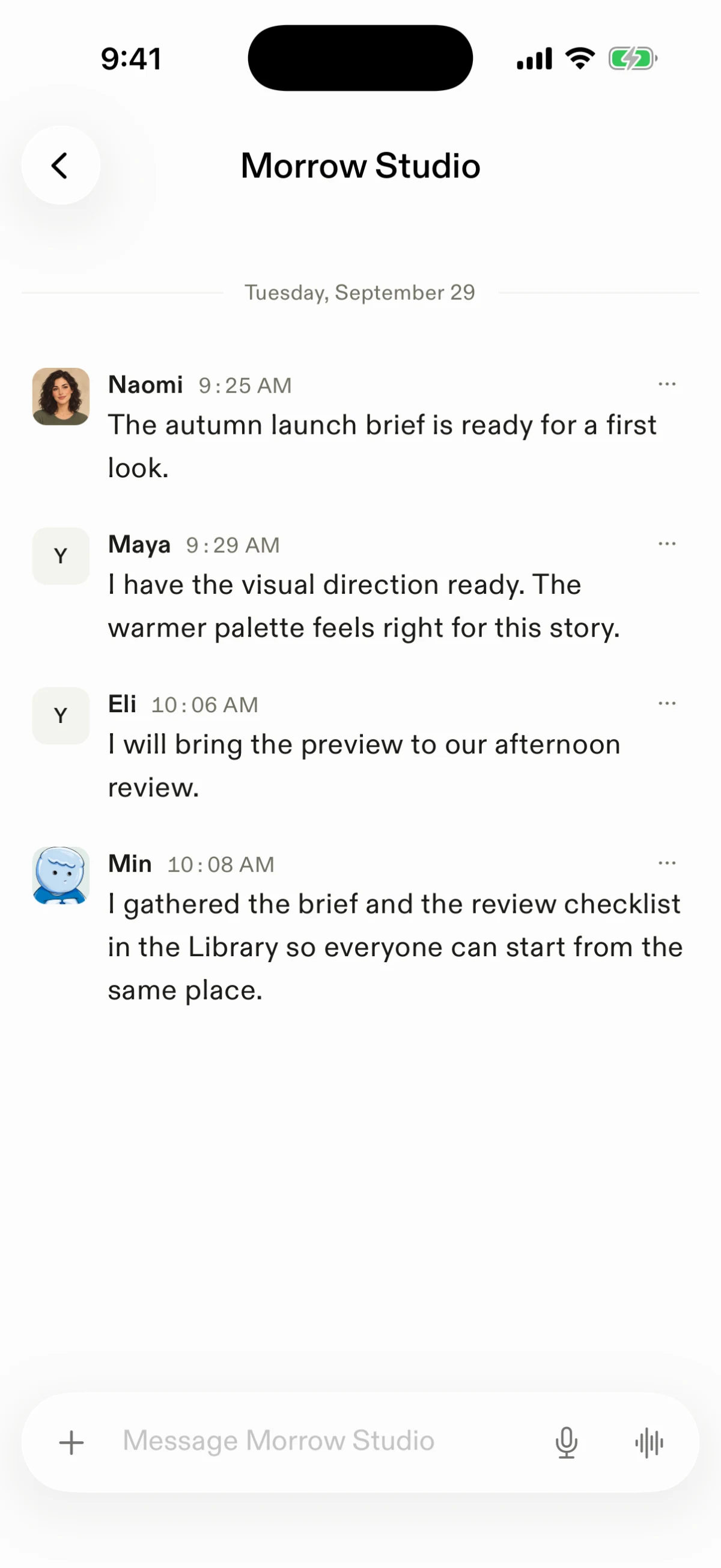
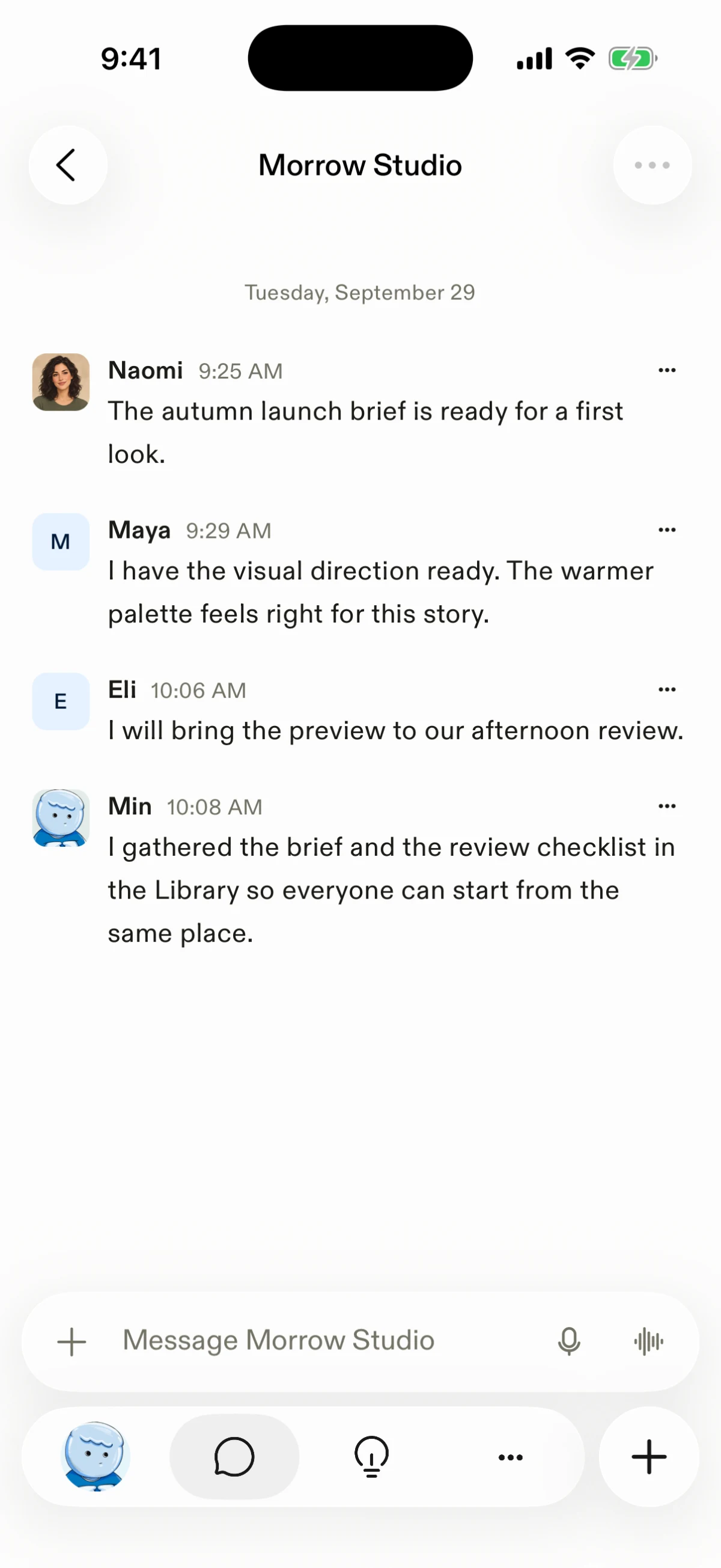
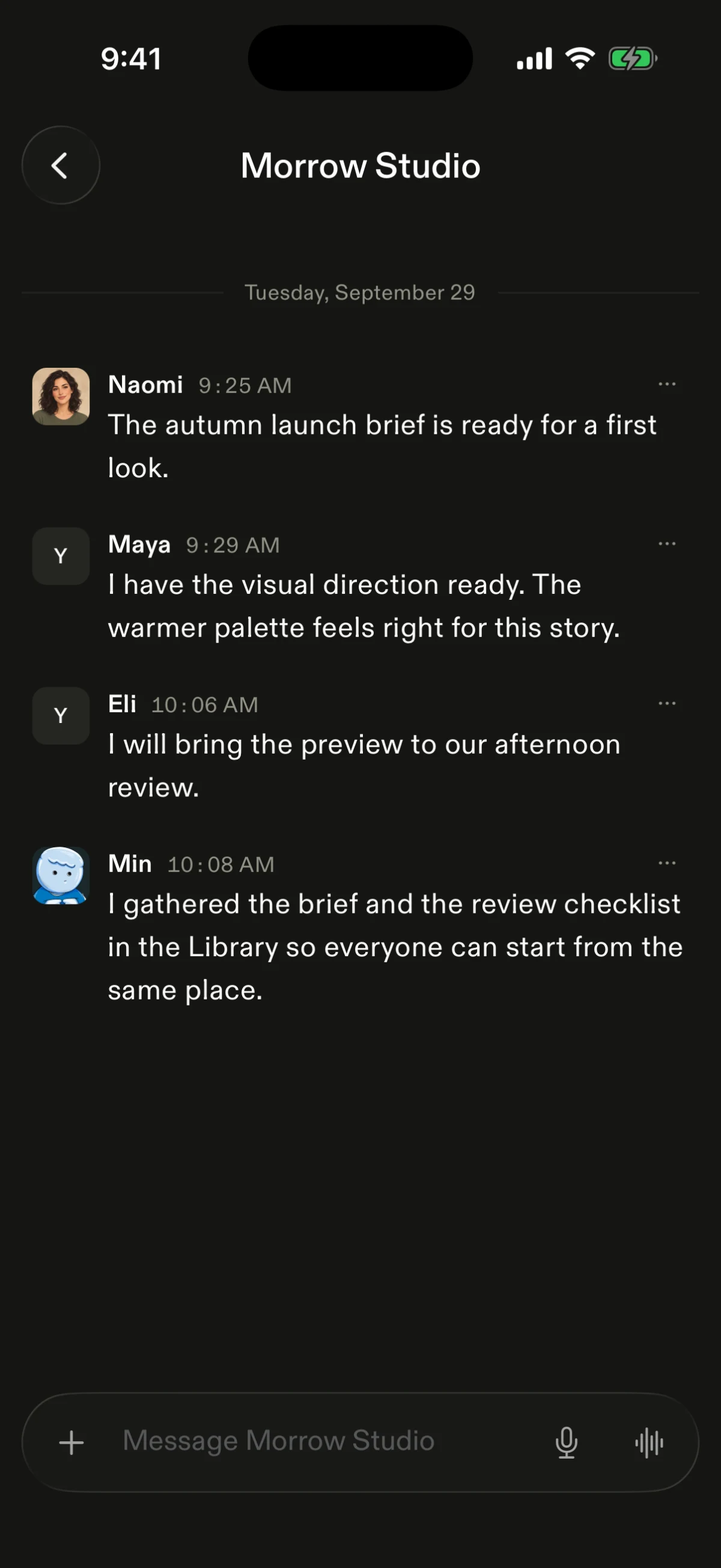
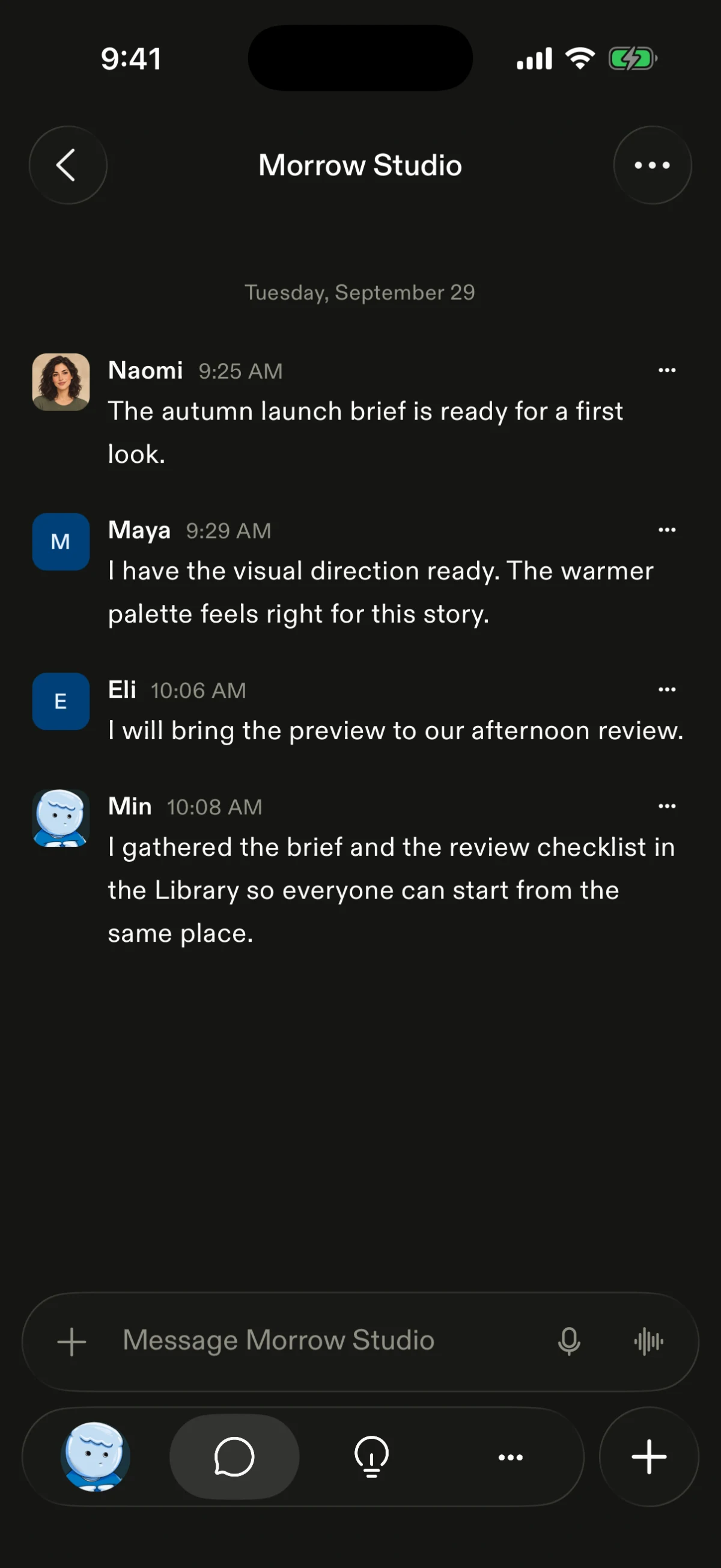
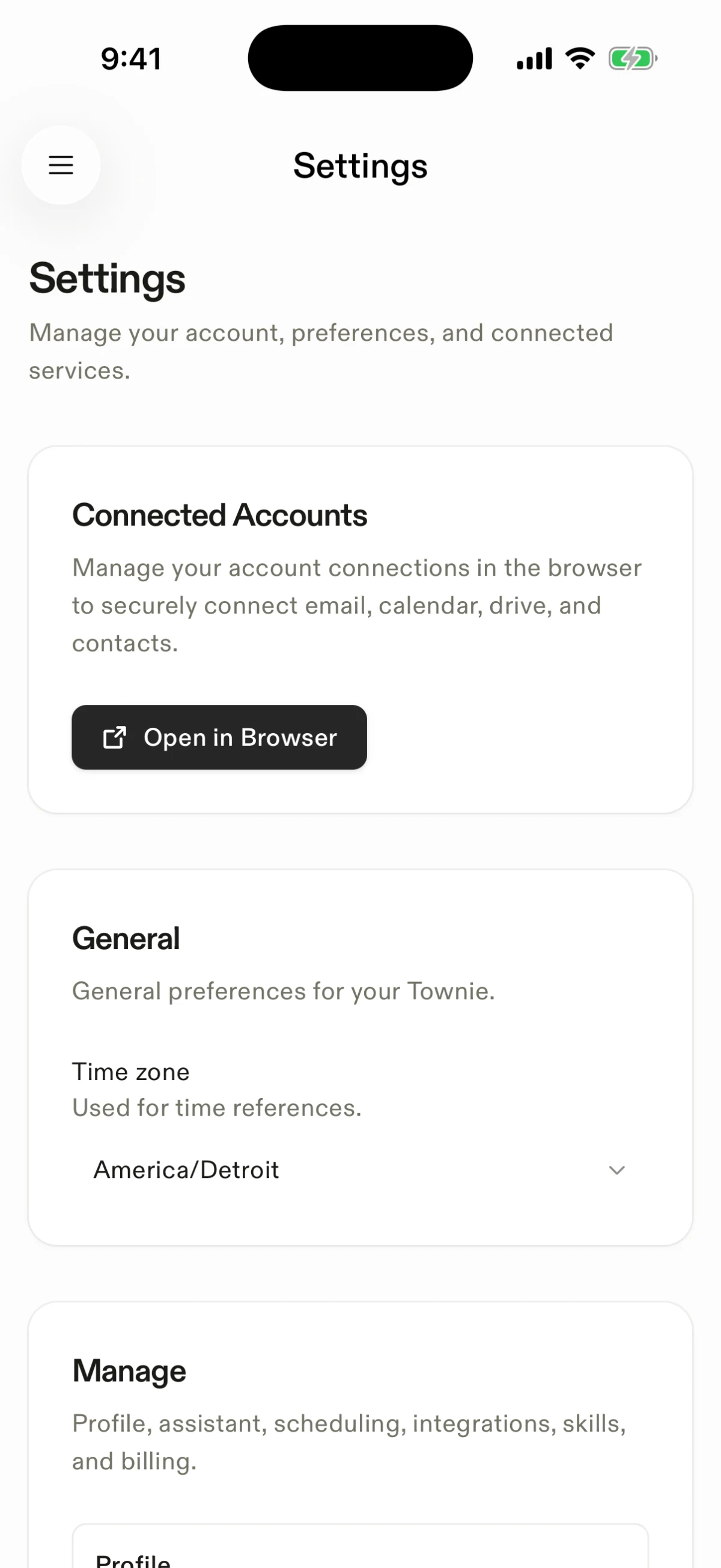
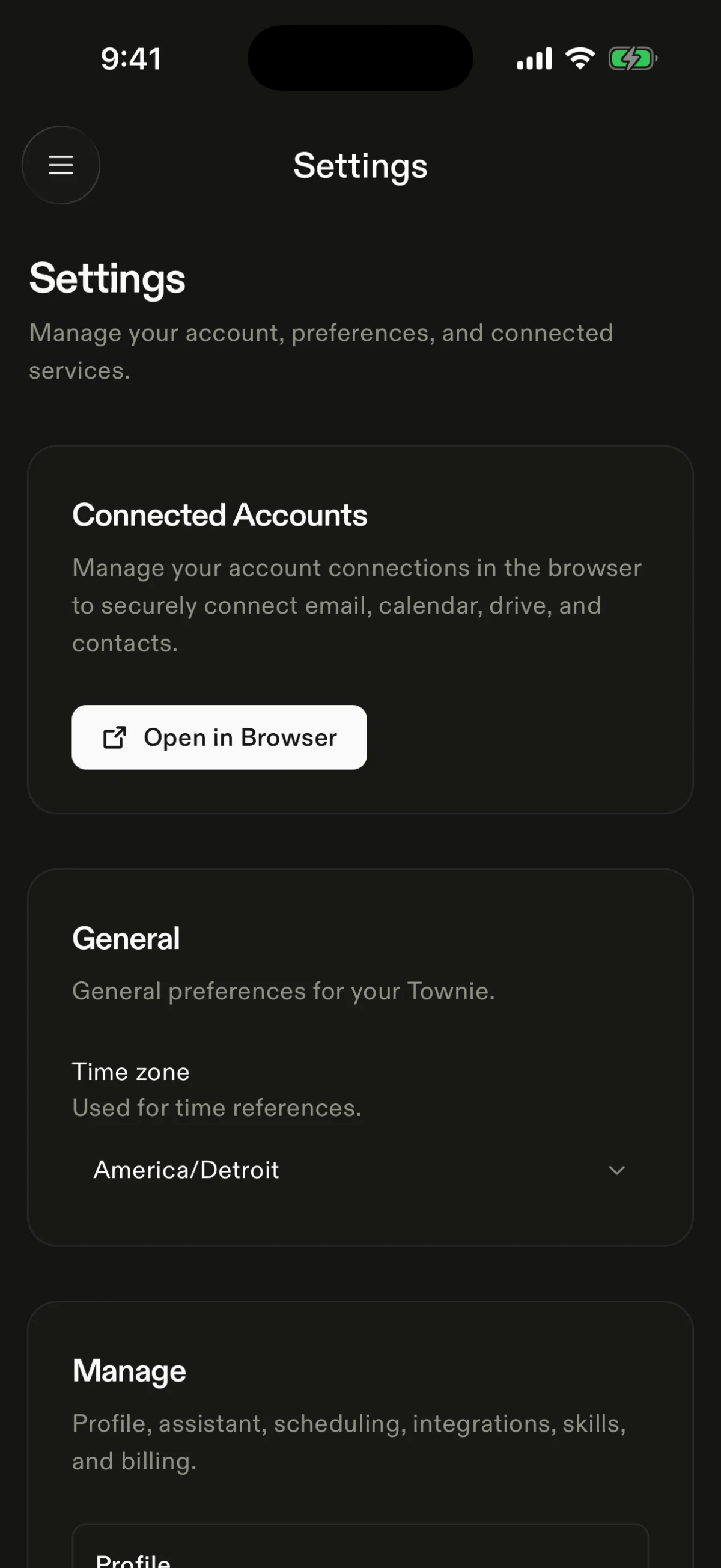
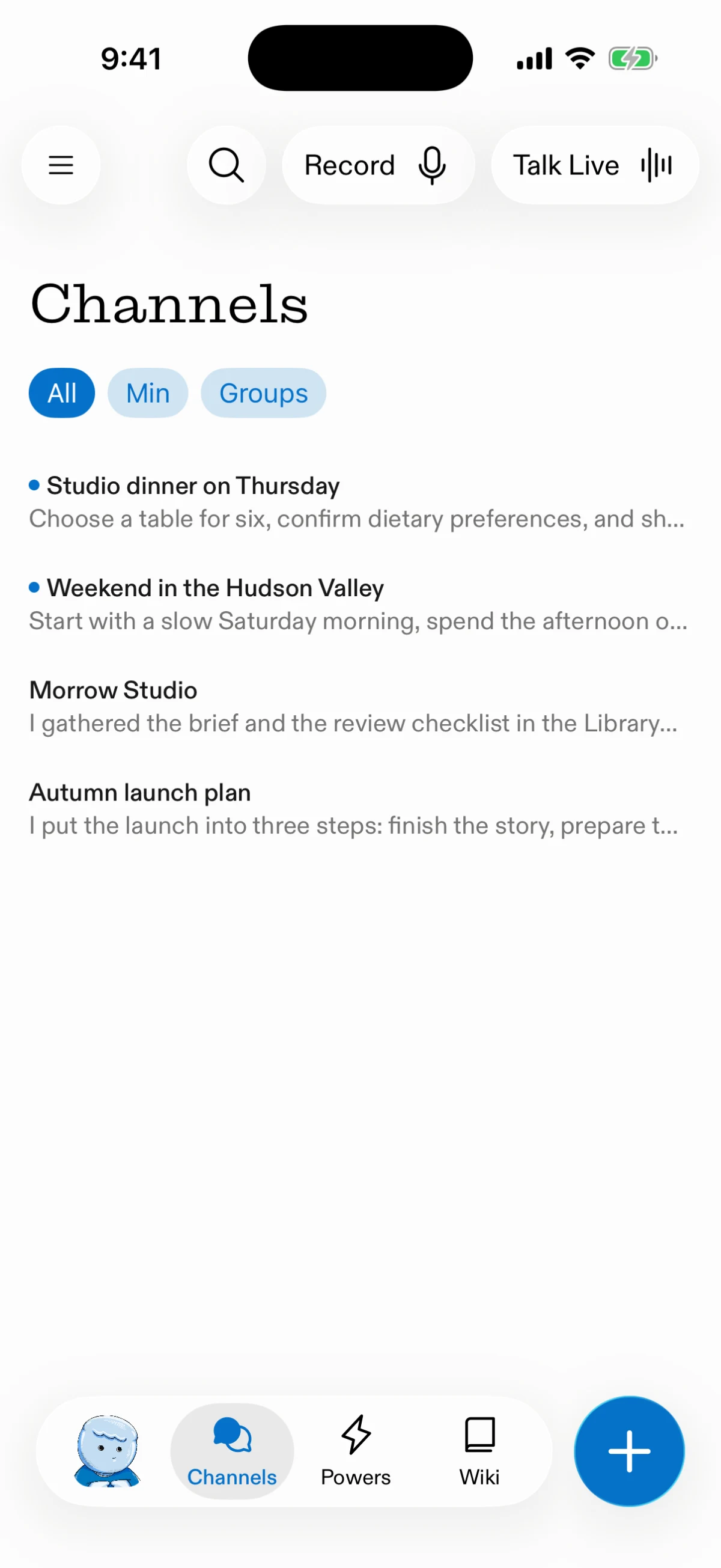
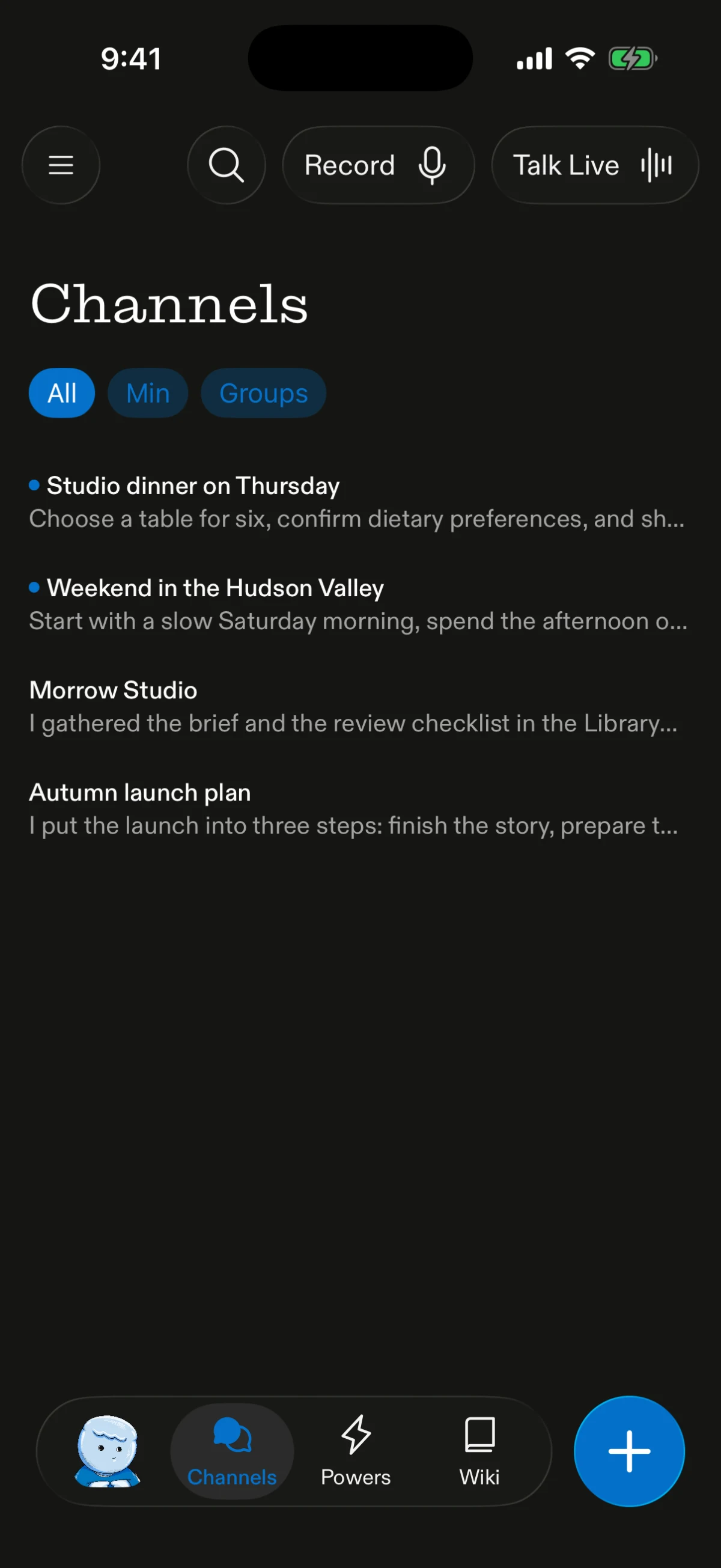
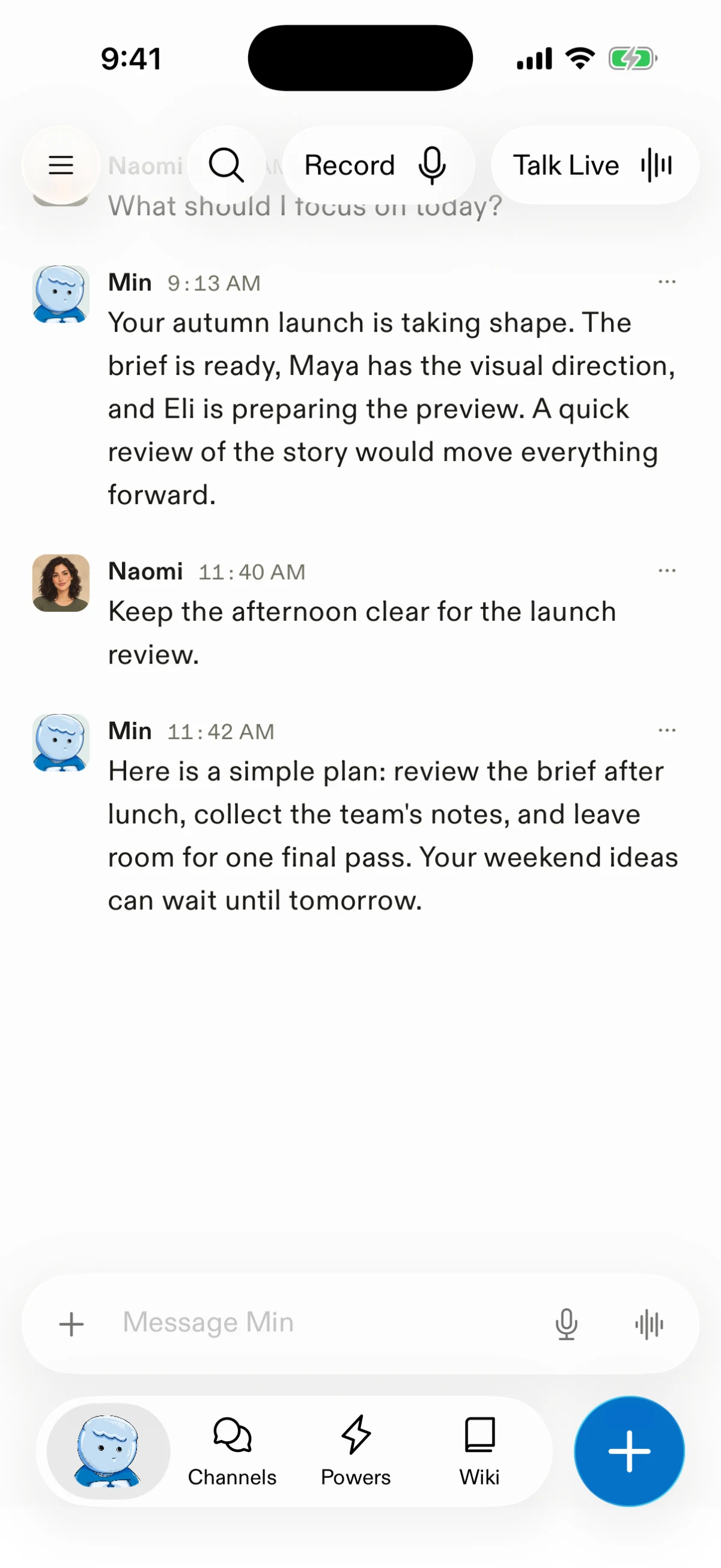
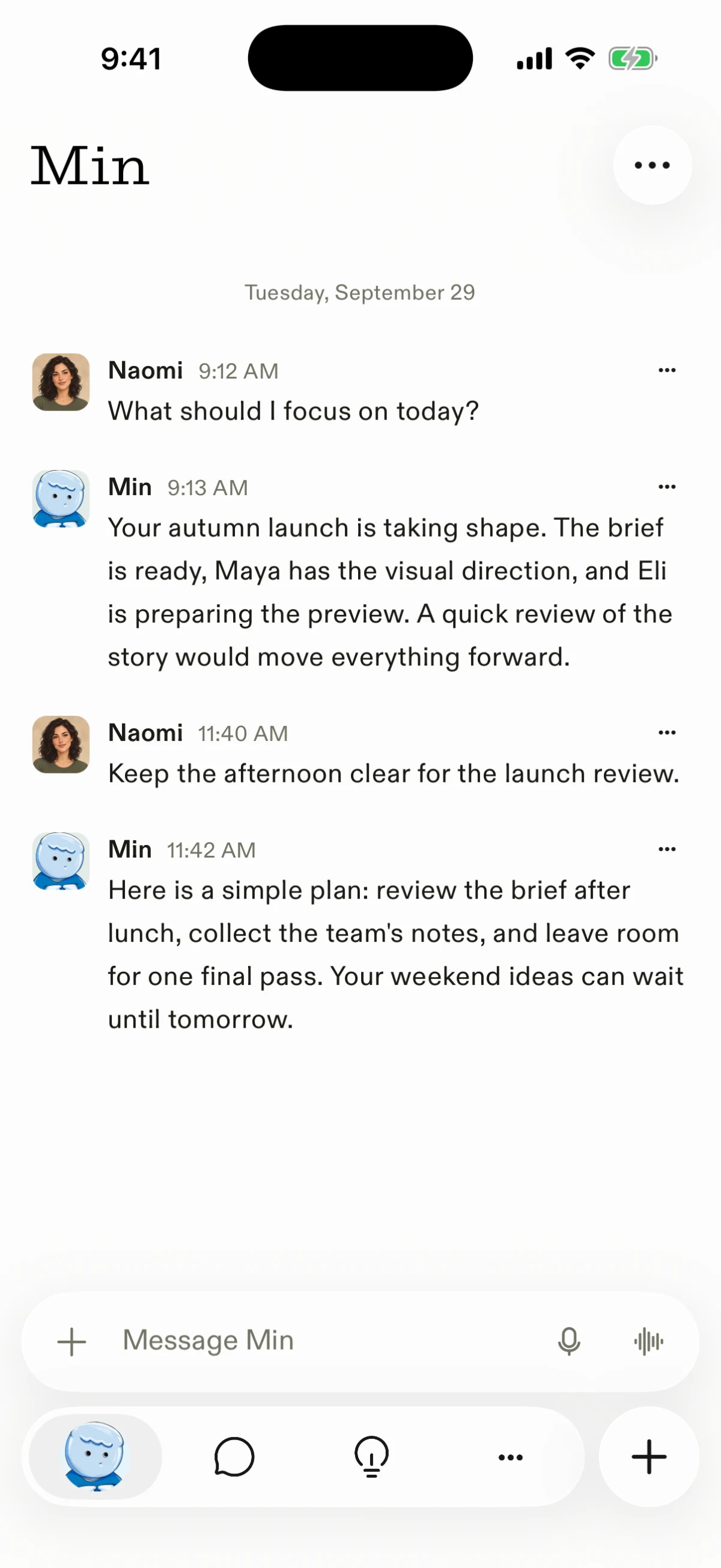
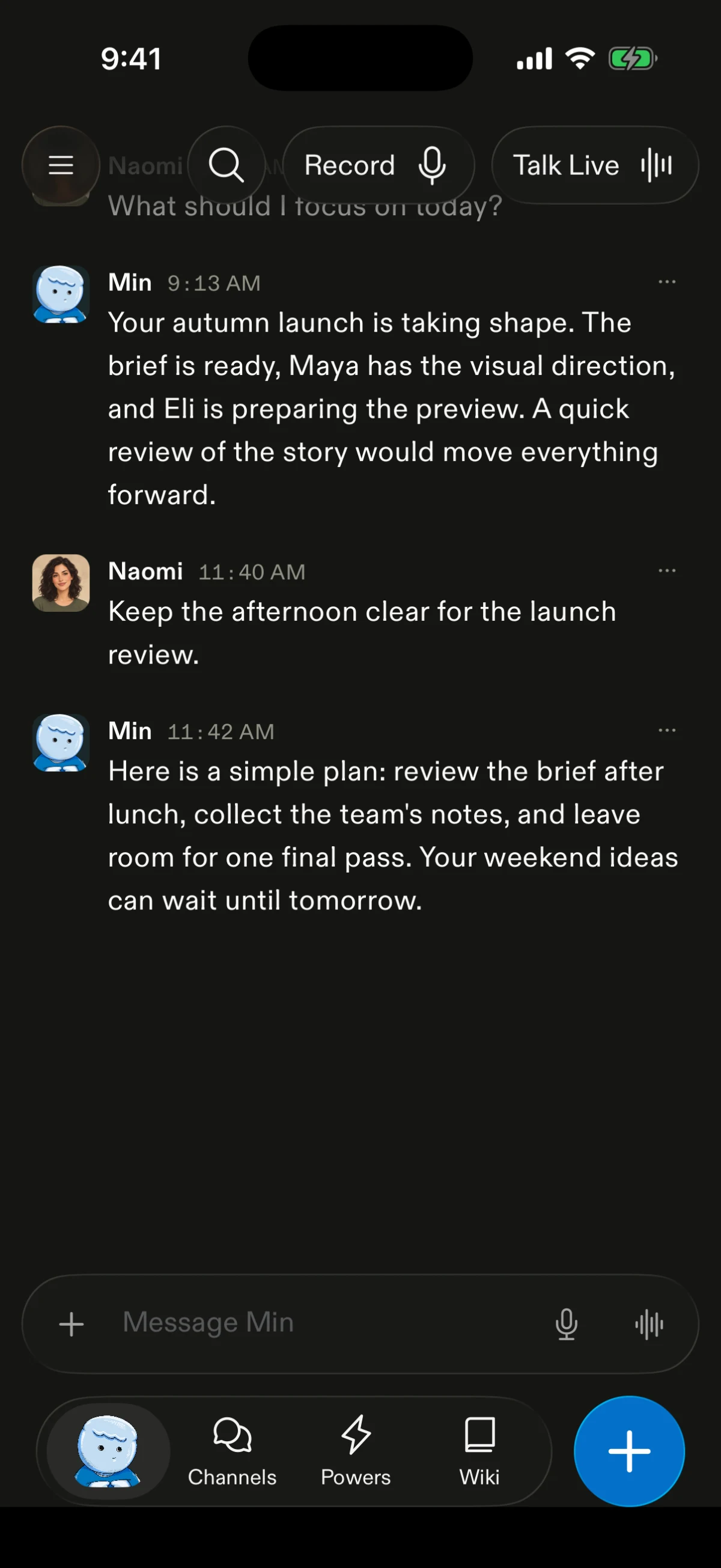
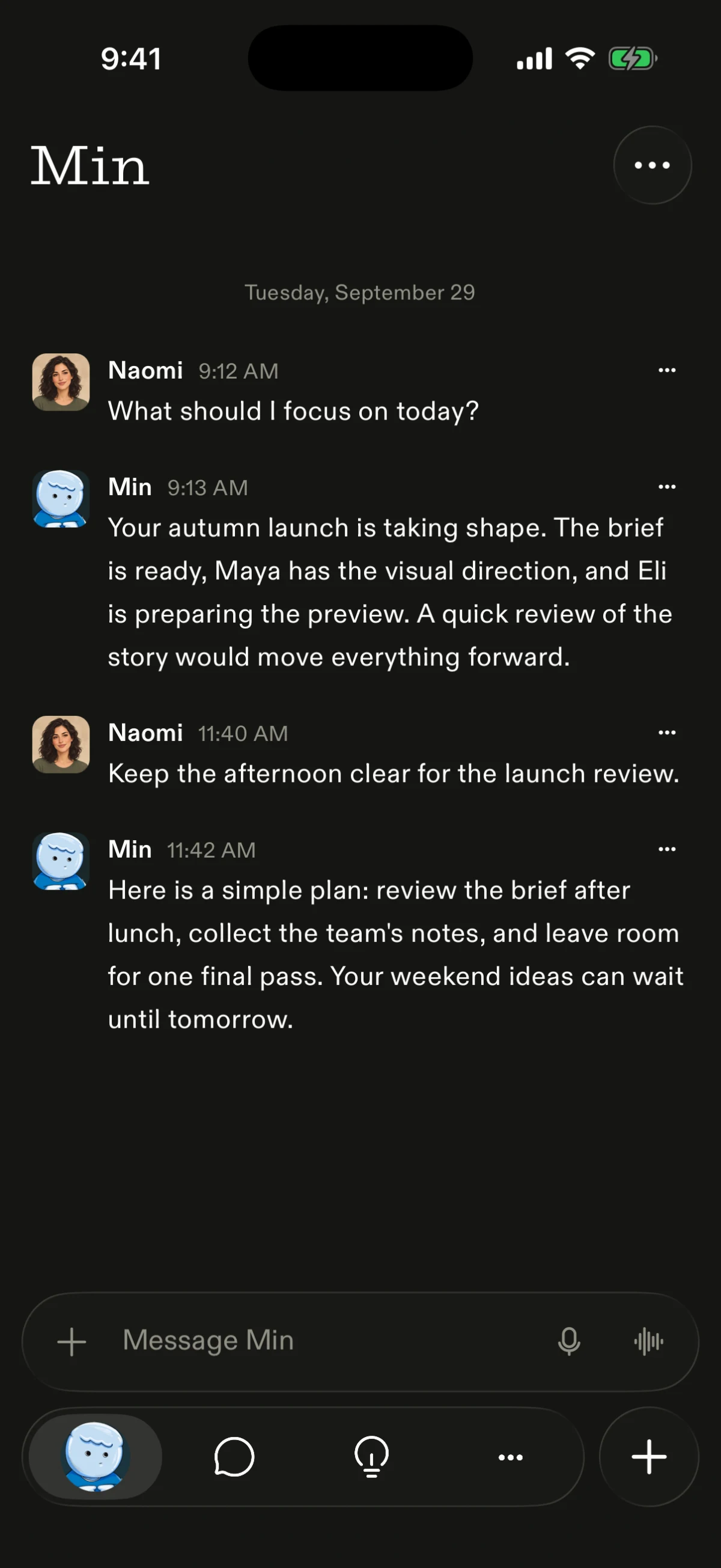
Town iOS mixed native screens with web pages, and the navigation, controls and sheets often felt like separate parts. the interface now has a more coherent native shell, with a glass composer, simpler navigation and native sheets. quieter type, spacing and transitions bring those parts together.
Settings
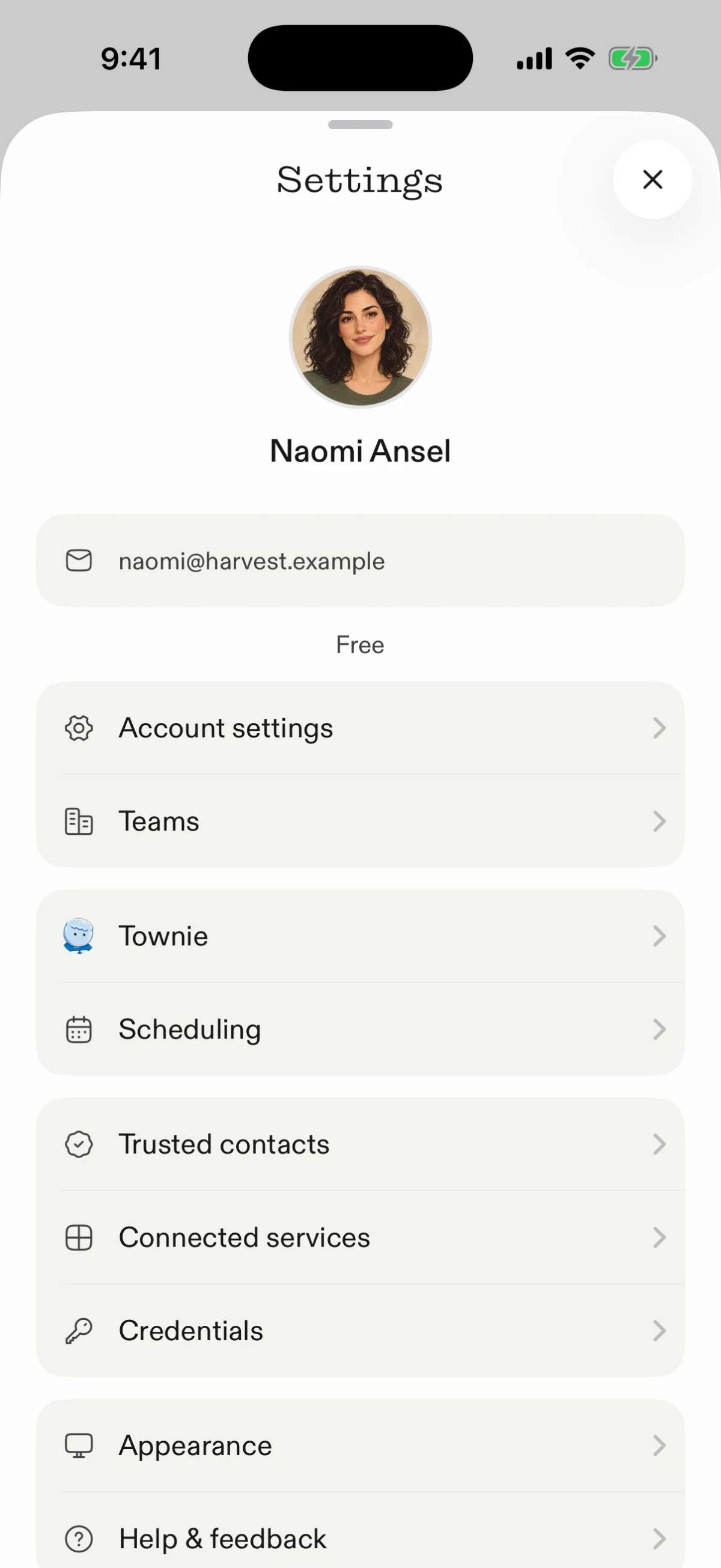
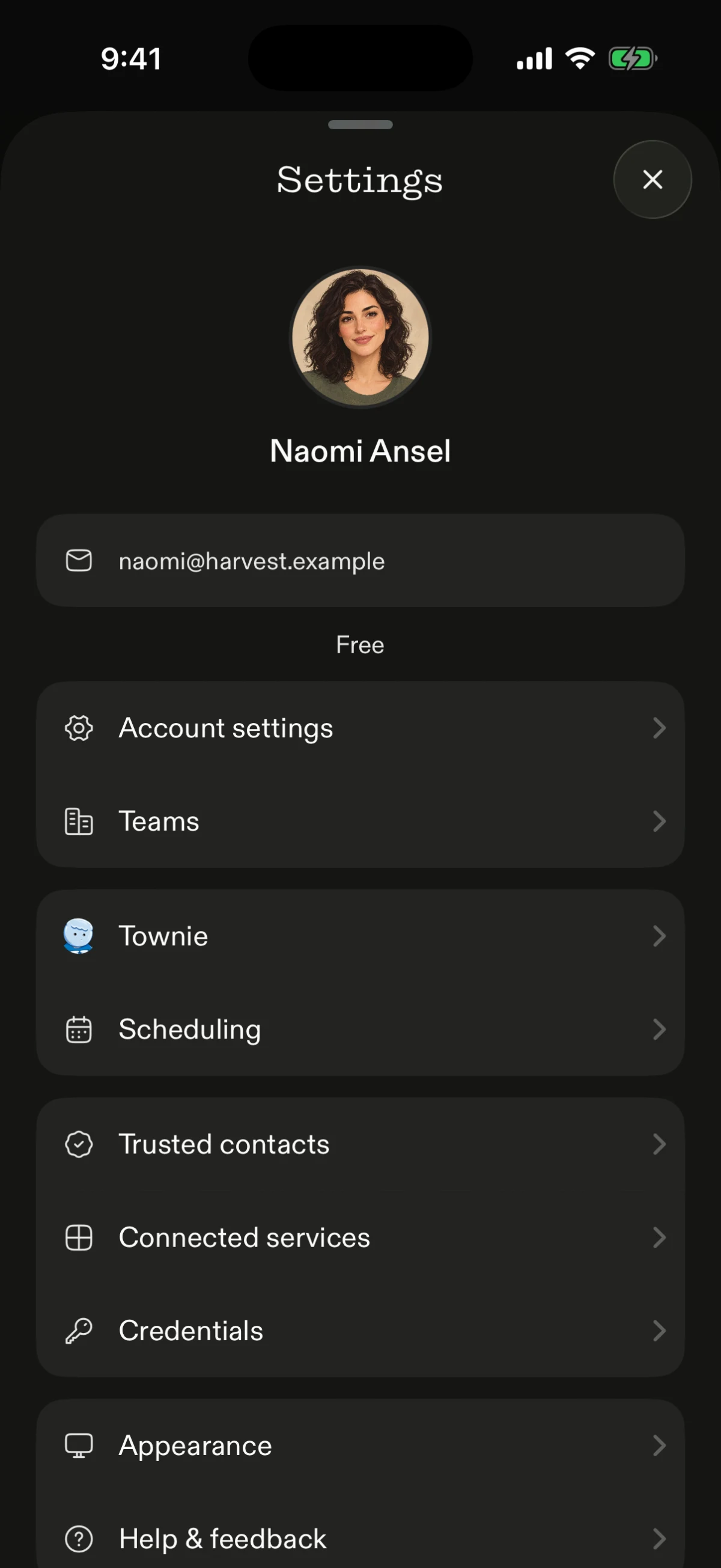
Settings moved from a long web page into a native sheet. grouped rows make each destination easier to find, with a clear way back to the app.
Threads
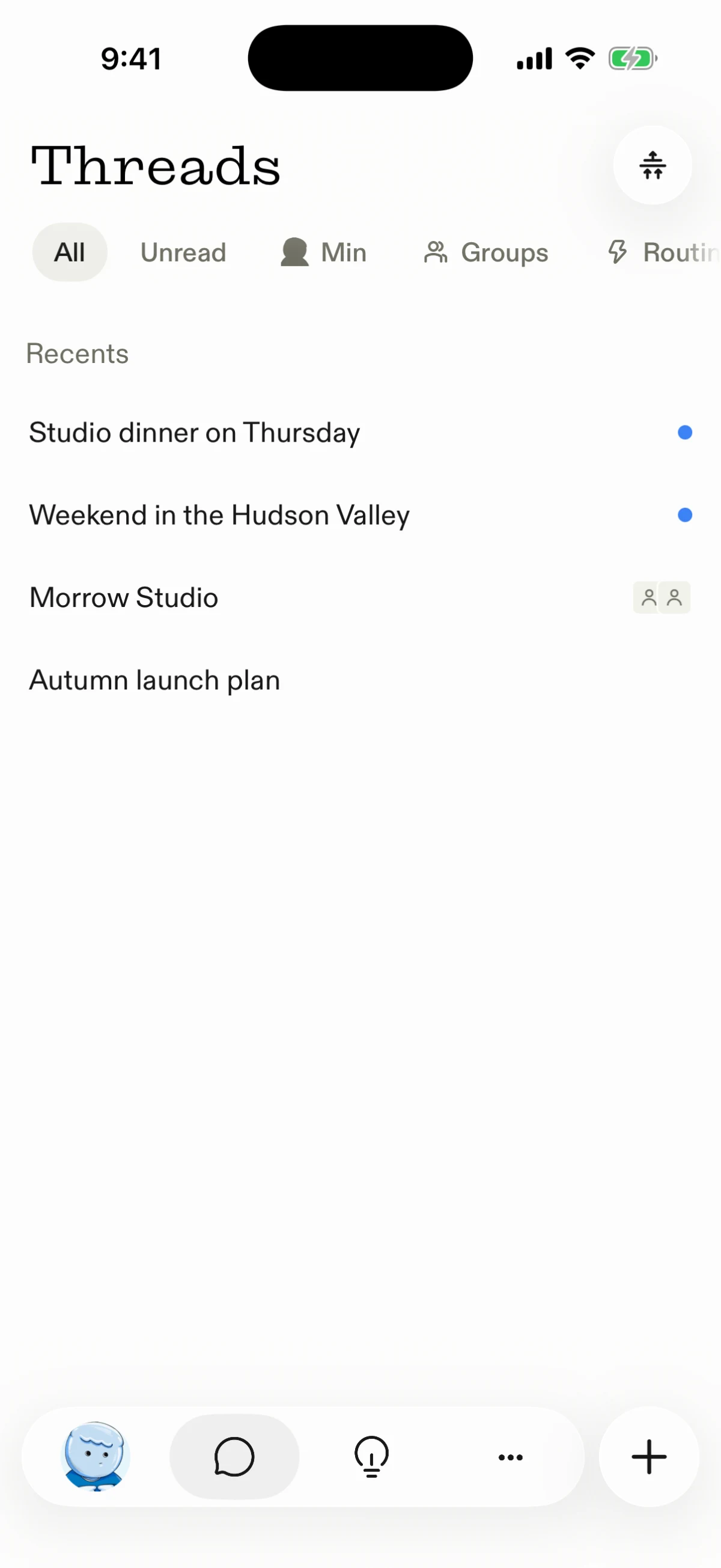
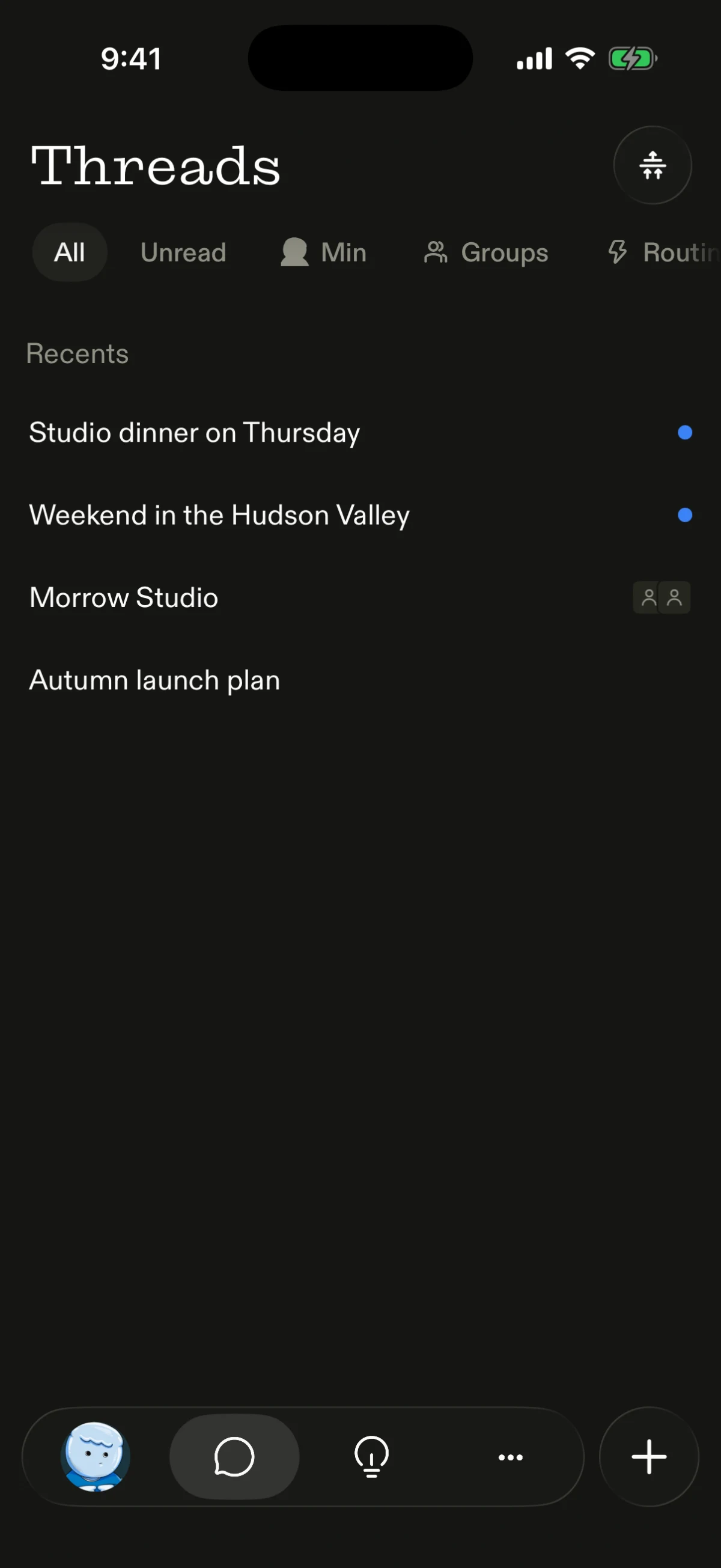
the thread list gives names and unread marks more room, with quieter filters and a simpler dock. Sections has its own control beside the title, keeping the tools for organizing threads close to the list.
Conversations
Min's conversation opens below a native header, with the first message clear of the title and one native composer above the dock.
group conversations share the same native header and composer, so a thread with the whole team reads like any other conversation.